Sign in
Use the course account provided by the instructor or continuing education unit. Signed-in progress is required for official evidence review and certificate issuance.
Student onboarding guide
A practical student-facing guide for accessing the AI-Enhanced Educational Game Design microcredential, learning through the guided course, submitting evidence, and understanding the certificate handoff.
Animated learner walkthrough
This short animated walkthrough explains the TeachPlay learner pathway. Visual animation was generated with Higgsfield; English narration was generated with ElevenLabs; captions, instructional claims, and final edit were reviewed by TeachPlay. The narrated WebM, VTT captions, and separate MP3 are available for LMS reuse.
Student workflow
Use the course account provided by the instructor or continuing education unit. Signed-in progress is required for official evidence review and certificate issuance.
Open the credential page, confirm duration, CEU value, evidence requirements, and the portfolio products expected at the end.
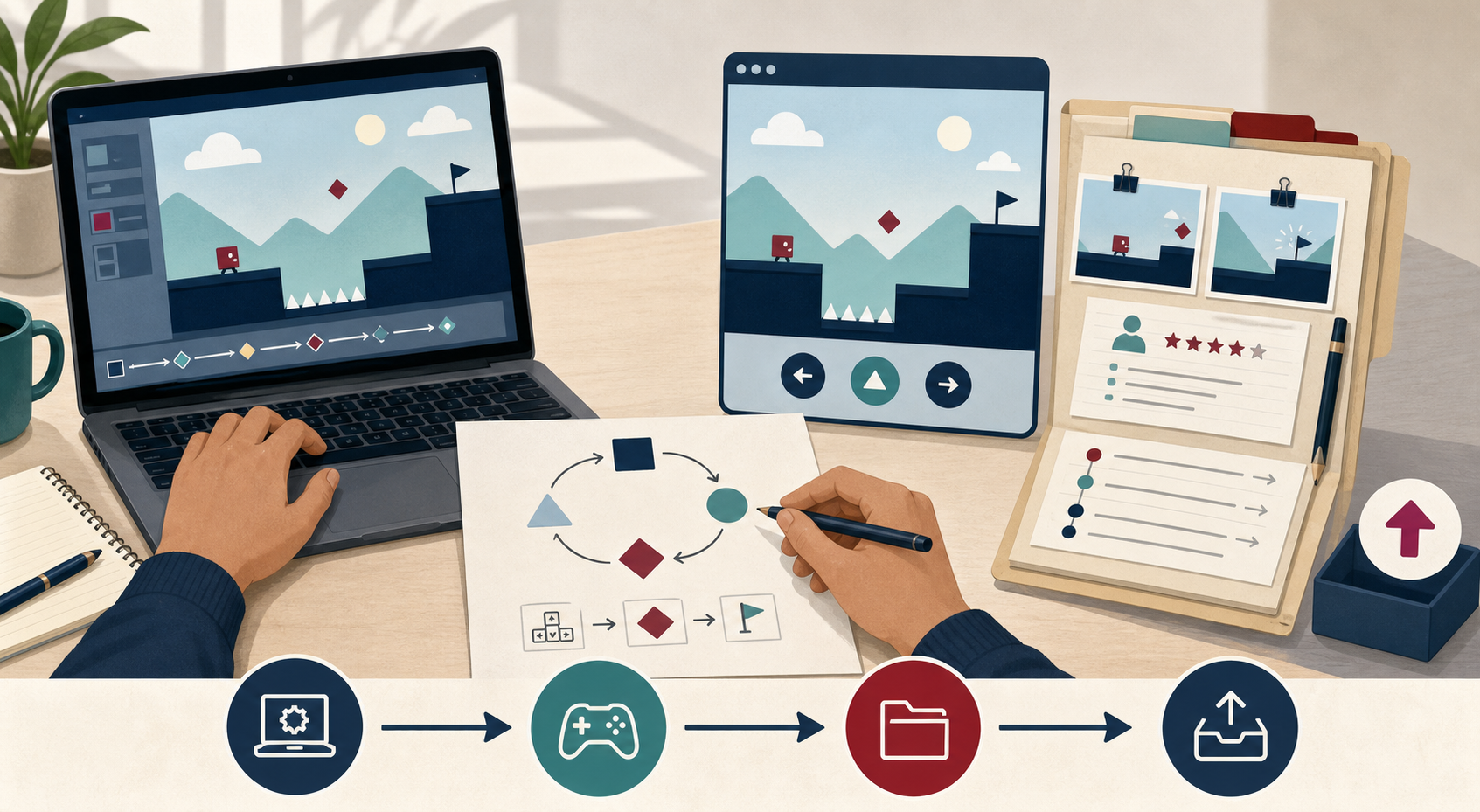
Move through the 12-module pathway. By D3/D4, use Google AI Studio Build mode to turn the smallest defensible loop into a runnable game prototype.
Run the live preview with a target learner or a clearly labeled rehearsal, capture observations, and revise the game before treating it as submission-ready.
Attach the public game link, repository/export, screenshots, short recording, playtest evidence, provenance log, and revision rationale in the portfolio.
D3 → D5 build bridge
AI Studio is the build surface; TeachPlay is the learning and review surface. The course does not grade how much code Gemini generated. It grades whether your learning objective, game loop, feedback, observable traces, and revision decisions are visible and defensible.
Open the detailed AI Studio, Firebase, Workspace, Higgsfield, and Playwright playbook →
Completion model
After requesting the credential, students open the post-completion survey. It asks about module clarity, usefulness, workload fit, video and reading support, AI provenance, evidence artifacts, transfer plans, barriers, and optional research follow-up consent.
Instructor setup
Instructor access is provisioned through the protected Cloudflare Access policy. Add the instructor's approved email to the Access allowlist, then use the same identity to open the instructor console. The issuer key remains a controlled back-office option and is never placed in learner instructions.
Use Admin dashboard for learner records, progress, evidence, scoring, and credential gates. Use Portfolio review for computational-artifact analysis and final review actions. Access approval is separate from learner enrollment, so instructors can manage many learner records without impersonating a learner.
FAQ
No. A paper prototype, low-code prototype, or implementation specification can satisfy the credential if the learning loop, facilitation logic, AI governance, playtest evidence, and revision rationale are reviewable.
The 12-module sequence is the learning path. Portfolio checkpoints collect the evidence students produce across those modules for submission, review, and certificate readiness.
The official certificate is available after authenticated submission and instructor approval. After requesting or receiving the certificate, complete the post-completion survey so the team can improve the credential and, with your optional permission, use de-identified responses for research reporting.
First confirm that you are signed in with the same account used for the course. Then confirm that your final evidence packet was submitted and approved. If both are true, contact the instructor or program administrator.
Assets